Kali
Attacker
03 · Cyber learning & operations
Choose. Inspect. Operate. Prove.
Interactive demonstration · sample data · no live activity or resources
Attacker
Target
Domain
OXSIG combines hands-on cybersecurity labs, mission-driven operations, infrastructure topology, collaboration, evidence capture and adaptive technical learning.
Free · active development · 18+
Adults practising infrastructure and cybersecurity in environments they are authorized to use.
The public Operations catalog opened on 3 October 2026 and exposed six mission briefings, including entries marked Planned. This check did not provision machines, test terminal access or verify a live cloud session.
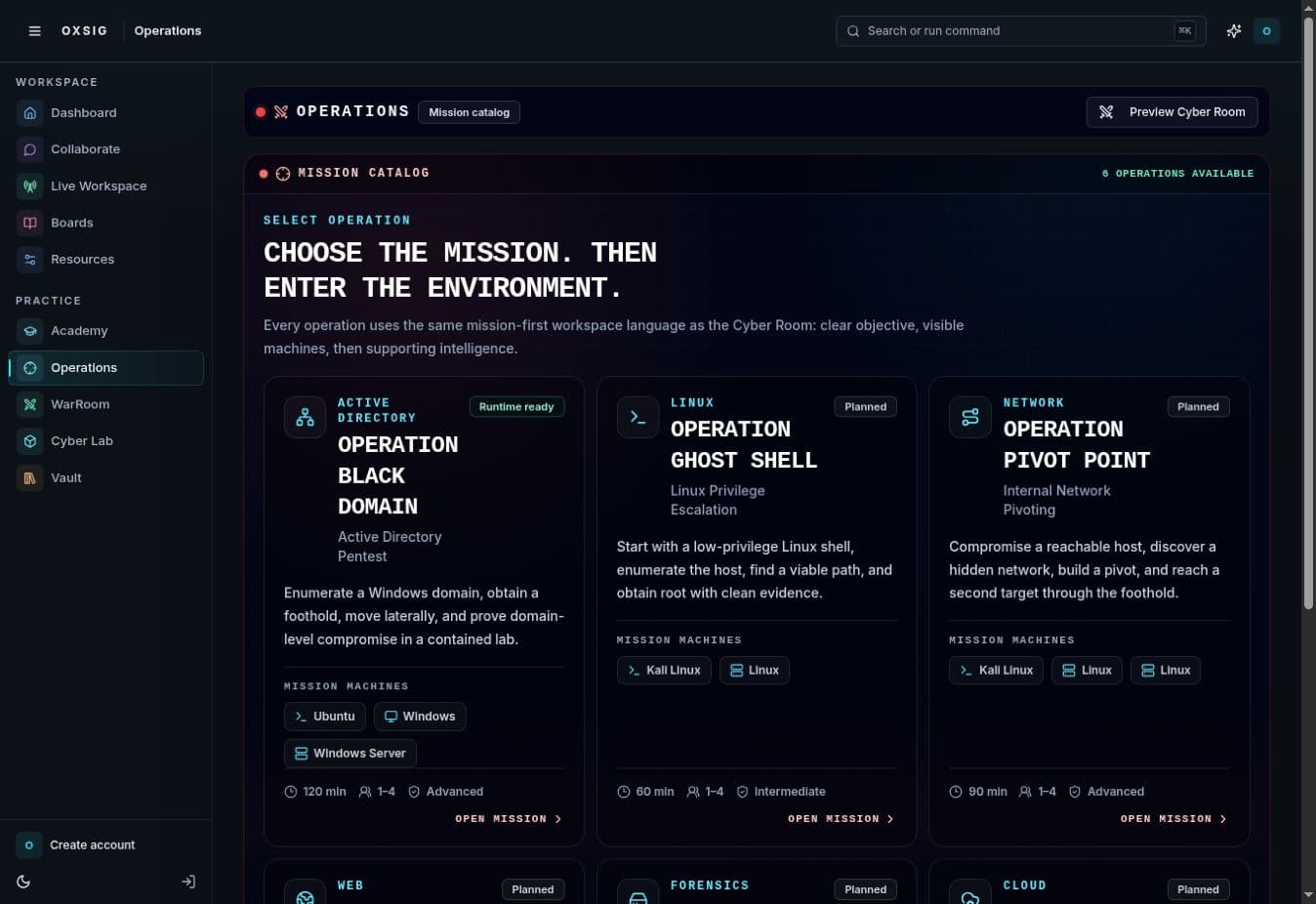
These capability descriptions explain the implemented product scope. The public check above states exactly what was exercised; connected features can require additional setup.
Choose mission-driven scenarios across Active Directory, Linux, pivoting, web, forensics and cloud.
Work in disposable Linux, Kali and Windows practice environments with terminal and desktop access.
Design topologies, assign runtime profiles and validate connectivity before deployment.
Run team missions with shared context, machines, objectives and evidence targets.
Learn through curated paths, practice evaluation, adaptive explanation and durable progress.
Preserve execution evidence, storyboards, reusable notes and technical knowledge.
Browse the guest dashboard and mission catalog without an account. Provisioning, persistent work and protected collaboration require sign-in. Currently free and in active development; resource availability is not guaranteed.