04 · Digital recovery
U-SYNC
Know what you can recover before you need to.
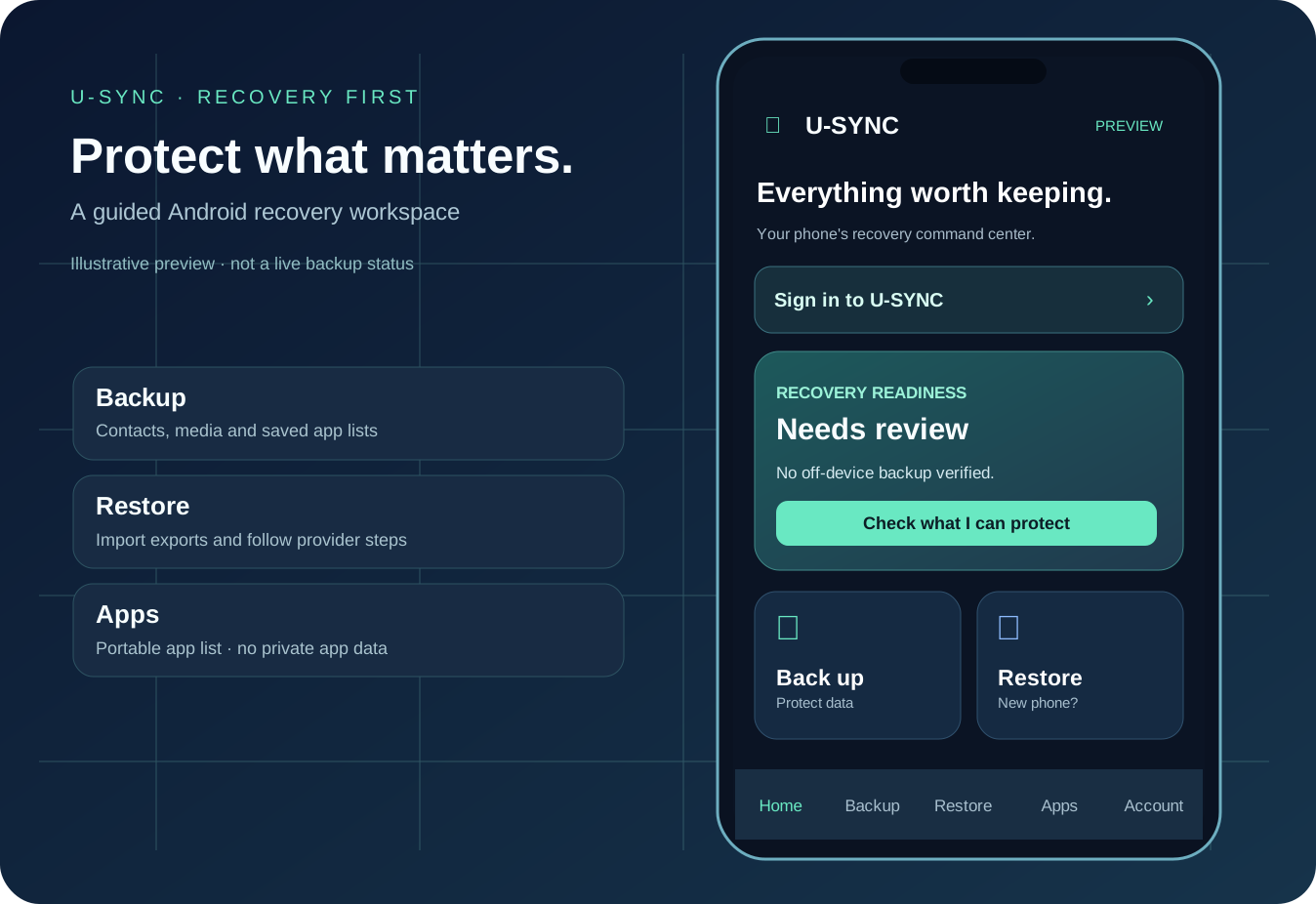
Interactive illustration · sample interface · no live phone or backed-up data
U-SYNC · ANDROID FIRST
Your recovery, made easier to understand.
Choose a view to explore the planned guided experience. The current preview supports local exports and official Android recovery handoffs, not automated cloud restore.
Five native sectionsPortable app listOfficial provider restore paths
HOME
Recovery readiness
Needs review
No off-device backup verified
No live account or cloud backup is shown in this demonstration.
U-SYNC in one view
U-SYNC helps Android users review backup readiness, export supported contacts and selected files, save app reinstall lists and follow native restoration steps.
Android preview · account-based restore in development
Who it helps
Android users who want to understand and prepare for device recovery before a phone is reset, lost, or replaced.
Verified Android build
Android's native five-tab preview and supported local recovery activities passed a GitHub emulator smoke test on 18 October 2026. This verifies the tested APK interface and actions, not a deployed cross-device cloud backup service or live Cognito sign-in.
Try the actual product
- Open the U-SYNC Android preview, choose Backup, and review the supported categories and platform settings.
- Save the app inventory and supported exports to a destination you can open on another phone.
- On the replacement phone, choose Restore; import the saved list or files and follow Google's official setup and application restore prompts.
- Open Account to visit U-SYNC’s website sign-in. Production credentials and identity verification must be completed before real login becomes available.
What the capabilities do
These capability descriptions explain the implemented product scope. The public check above states exactly what was exercised; connected features can require additional setup.
Recovery Dashboard
Separate Home, Backup, Restore, Apps and Account screens for Android.
Contacts & Media
User-approved export of contacts and selected files with visible limitations.
App Recovery Inventory
Save app identifiers to a portable file and use supported Google Play reinstall links.
Android Backup Guidance
Guide people to native Android account and device backup settings.
Secure Account Entry
Open U-SYNC's browser-based Cognito sign-in where it is configured; native account linking is not yet active.
Native Release Updates
Signed production builds are designed for verified in-app updates, pending signing and live release configuration.
Current limitations
- The account sign-in entry opens the official U-SYNC web login; Cognito infrastructure exists, but the website needs confidential production credentials and a live sign-in check before it is available. Android does not yet receive an authenticated app session.
- Portable app lists contain app names and package IDs, not APK files or private application data. Google Play controls installation.
- Contacts and selected media exports need a separate accessible destination to survive device loss.
- Google and WhatsApp private backup archives are not accessible simply by granting ordinary app permissions.
Access and pricing
Android preview and public recovery guidance are in active development. Signed production APK updates and automatic account-based cross-device restore are not yet activated. No paid plan or guaranteed recovery service is offered.
Android preview & access · Data handling · Ask a question · Development updates